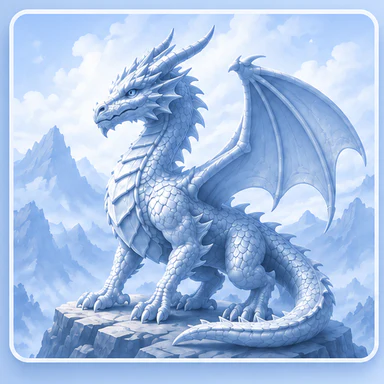
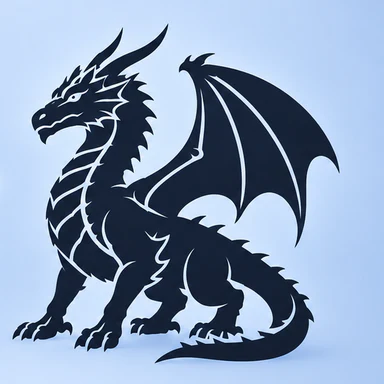
3D printing tools · Made for your computer

AI Image to Icon Generator

Turn an uploaded or AI-created image into a clean single-color SVG icon with a matching PNG preview.

Explore here. Create on your computer.

This module runs on a desktop or laptop. The editor is unavailable on phones. You can read how it works here and save the link for your computer.

What you start with

PNG, JPG or WebP images, up to 20 MB, or an AI source-image prompt.

What you get

A single-color SVG icon and a PNG preview.

How it works

  1. Upload an image or generate a source image.
  2. Choose the perspective and detail level, then generate the icon.
  3. Download the SVG and PNG; use SVG to 3D to create an extrusion.

Access and pricing

Icon generation uses 3 Printooly credits. Optional AI source-image generation uses 2 credits. Sign in and review the confirmation before generating.

Before you finish

The output is a simplified single-color interpretation. Review fine details and closed shapes before using it as a 3D extrusion.

Continue your project

About this module
Printooly Image to Icon
Ready

IMAGE TO ICON

Turn any image into an icon

Upload an image or create one from text, choose the quality level, and generate a clean single-color SVG with a matching PNG preview.